 Reject an incoming workflow
1. An incoming workflow will be listed in the Inbox of
your workflow function. The incoming workflow is waiting for your
approval or comments.
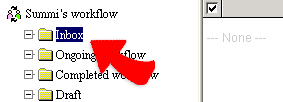
2. Click the subject of a workflow in the Inbox. you can see all the contents of the workflow and then you can editing the contents, upload any reference file, or your comments. 。
3. Click "Disagree" and "Done" to reject the workflow to the previous
one or the issuer.
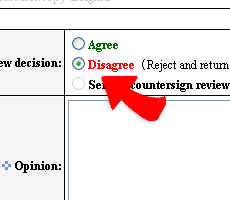
4. Two options for disagreeing and rejecting an workflow:
1) "Disagree (Reject and return the issuer)", re-issue a new workflow.
2) "Disagree (Return to the previous approver)", have the previous approver to review again.