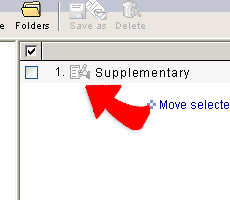
Save an issuing workflow
1. When you are editing a new workflow, you can can save
the workflow any time before sending no matter editing step you are doing.
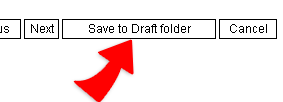
2. The saved workflow will be temporarily stored in the Draft folder.
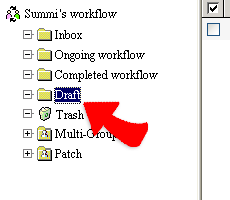
3. You can click the saved workflow from the Draft folder and
complete the remaining steps and send out the workflow.