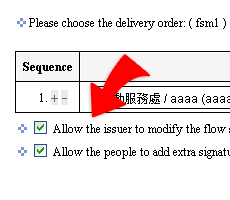
Flow setting for a particular form
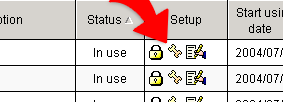
1. In the workflow form list, choose a form and click  --flow
setting.
--flow
setting.
2. Presetting the flow of the form using in the future, choose the approvers/countersigners/executors in order. Then click "Done" to finish the flow presetting.
3. Any one choose the form with flow presetting, when issuing the workflow out for approval, the workflow will follows the presetting sequence to get approval.
4. If the option : " "The issuer can not do any change on the flow sequence after the administrator preset ready" " is tick, then no one of issuer/approver can do the change on presetting flow sequence.