Upload a new workflow form
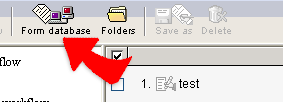
1. Click "Form database" and get into the
window of the form database management .
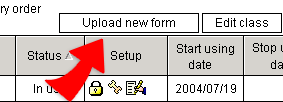
2. Click "Upload a new form" to open the screen for uploading a new
form.
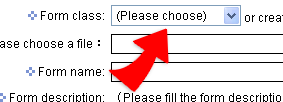
3. Choose "Form Class", or directly add a new class.
Click "Browse" to pick the file of the new form, input
form name and the description. Then click "Done" to upload the
chosen form file. After uploading, the form shows in the form list.