 Save as
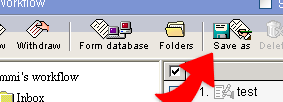
1. User can save a workflow into WebHD or local computer.
2. Choose a workflow and click "Save as". Select the
location you want to save the workflow.
|
Save as |
1. User can save a workflow into WebHD or local computer. 2. Choose a workflow and click "Save as". Select the
location you want to save the workflow. |