 Temporarily save (Locking a workflow)
1. When editing an incoming workflow, you can
Temporarily save (Locking a workflow) by clicking "Save temporarily".
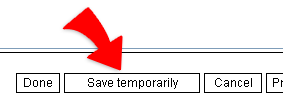
2. Any editing contents will be protected in the saved copy by your temporary save before you really sending it out.