Add approvers before signing a workflow
1. When you are signing a workflow, you can add one or more approvers with authorization and the workflow will follow the new delivery order after you agree the workflow.
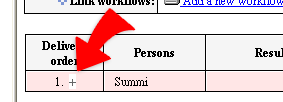
2. Open an incoming workflow in the Inbox. In "Delivery
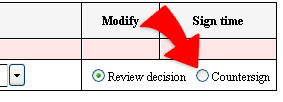
order" field, click "+", a blank record will be added for choosing a
new approver with "Review decision" check on the right hand side.
3. Click "Agree" and "Done" to let the workflow move to the next person
by following the new delivery order.