 Look At The Bulletins
1. Click on the burden on top of the bulletin list, the details will show up at the bottom.
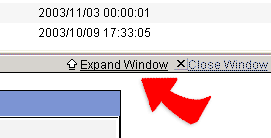
2. Click on the top right corner of the detail  expand the detail page. The detail page of the bulletin will expand into
a bigger window.
expand the detail page. The detail page of the bulletin will expand into
a bigger window.
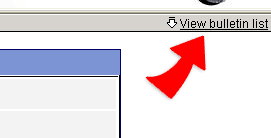
3. Click on the top right corner of the detail  view the list if the bulletin. The list will show up at the top, and the
detail window will shrink.
view the list if the bulletin. The list will show up at the top, and the
detail window will shrink.
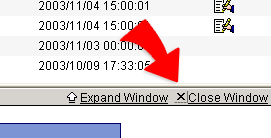
4. Click on the top right corner of the detail  close this window. The detail window will shut down.
5. Click on the top  -- Previous, and jump to the detail of the previous bulletin.
6. Click on the top  --
Next, and jump to the detail of the next bulletin.
--
Next, and jump to the detail of the next bulletin.
|