 Emit The Bulletin Reminder
1. When a bulletin is announced, the publisher can see who read the bulletin or not.
2. In the bulletin list, click the bulletin subject to view the bulletin content. Under the bulletin content, the frame ""Read / Un-read"" lists all persons who have to read the bulletin.
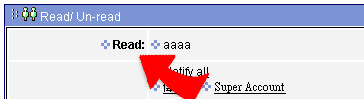
3. In un-read frame, you can click a name to bring up a window ""Send a reminding mail"" fill the remindind words and then click "Send" to send out a reminding mail.
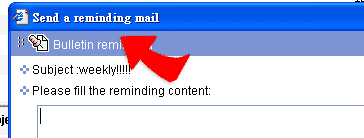
4. Then the person who receives the reminding mail is reminded to see the bulletin.
|