Authorize
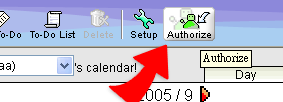
1. Click "Authorize" button.
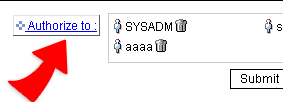
2. You can authorize one or more persons at the same time.
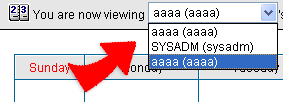
3. When the authorized person views the calendar by daily, wekkly, or monthly mode, the pull-down menu will list all names who authorize the calendar access right to you. Choose the name from the pull-down menu, and then you can add event into the person's calendar.