Time Inquiry
1. You can look for the available time of other persons by using "Time Inquiry" function.
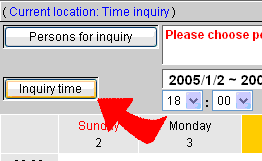
2. Click  -Time Inquiry , then the time inquiry page shows.
3. Choose the target persons first, and set the time range you want to query, then click "Start Query" , then the results show.
4. The inquiry results will show by weekly mode. If some time range of some target persons is occupied, then the time range will be shown by light-orange color which means the target persons are busy in the time range.