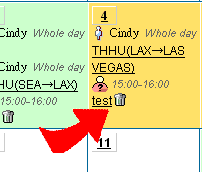
Call Meeting Event
1. Using calendar's "Call Meeting" function to invite other persons.
2. Click  - Call Meeting , and then the Call meeting page shows.
3. Fill the information following instructions and choose the targets you want to call for the meeting, then click "Submit" 。
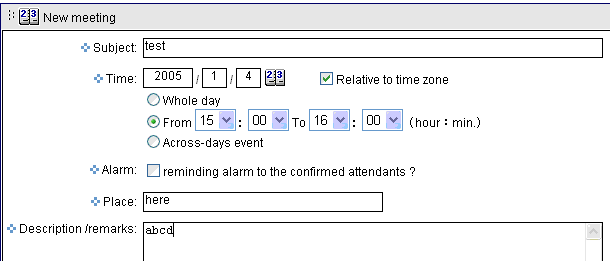
4. Cyberhood will send automatically "Call Meeting Event" email out to remind all invited target persons.
5. The intvited person needs to enter his/her own calendar and find the  "Call Meeting Event". Reply "Reject" or "Accept" .
6. The meeting caller click the  "Call Meeting Event", and see the reply status from all invited persons.