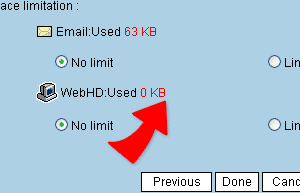
Setting Email Usage Space
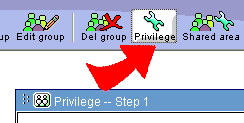
1. Click on "Previlage Management" on the top "Previlage Management-Step1" page will appear.
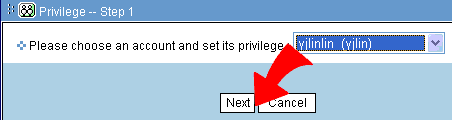
2. Select Name and Account, and click "Next"。
3. Select from email space setting "No space restriction" ,or "Available Space:XX MB" 。(type in size)
4. After selection, click on"Done" and complete the setting.