Login IP Management
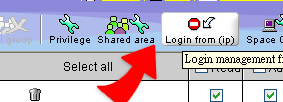
1. Click on ""Login IP Management"" above, and enter into the window below.
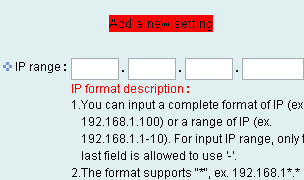
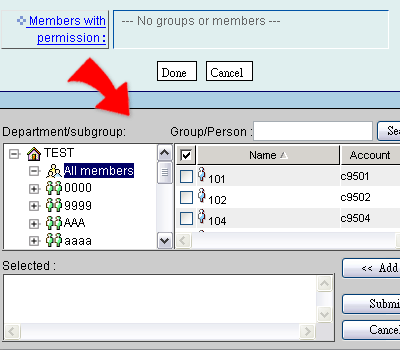
2. You can set who can login Cyberhood from which IPs or IP range. Using "Explicit listing" to specify the login permission, that is, only the IPs or IP ranges setting spcified below are permitted to login Cyberhood. And all the others will be rejected !
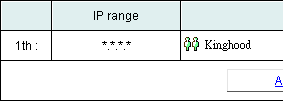
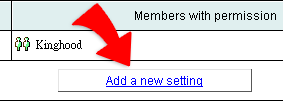
3. Add new set of setting.