Delete Account
1. By clicking on the contact's name, the contact's basic information will appear.
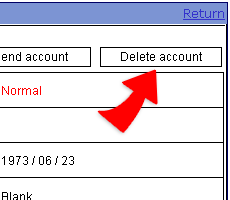
2. To delete the account, click on the right top "Delete", fill the reason and then click "Done" to delete the account.
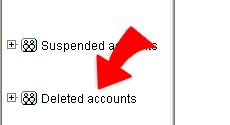
3. After the delete account process, all personal data belonging to the account in the Cyberhood will also be removed except the account name and assoicated basic data which are listed in "Deleted account"