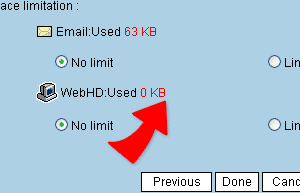
Internet Hard-Disk Usage Space Setting.
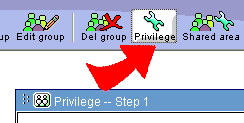
1. Click on "Privilege Management" and enter into "Privilege Management-Step 1"
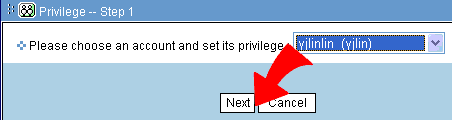
2. Choose from the list the name/account you wish to edit. Follow by clicking "Next"
3. Inside the Internet Hard-disk Usage Space box, choose from "Space Unlimited" or " Space Limit: XX MB". ( Please type in numbers inside the box)
4. Click on "Finish" and the process in now completed.