 Basic Information Editing
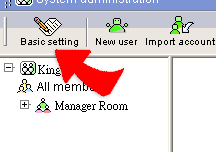
1. As you enter into System Administrator, the page shows the basic company profile.
2. To edit basic company profile, please click "Edit" at the top right corner
of the page "System administrator- Basic setting " will appear。
3. Enter the information you desire and click "Done", now the basic setting for system administrator is completed.