 Change your own login password
1. Choose your own name in the contact list. Your own personal data shows on the right.
2. Input new password in the password and confirm password fields. click "Modify". Your password then is changed to the new one.
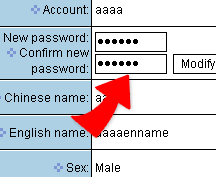
3. Keep the new password in mind and use at the next login.