 Attach files in WebHD
1. Click  --Write mail. The write mail window opens for your writing mail.
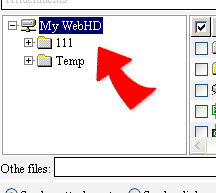
2. Click [Attachements] and see the file/directory list.
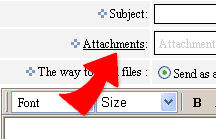
3. Check the files you want to attach in the mail and click "ADD" to confirm the attachments you just selected and see them in [Attachements] field.
4. The attachments will be sent out with the mail when you click Send mail.