 Download shared files in advanced version control
mode from Network neighborhood
Download shared files in advanced version control
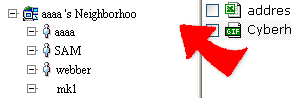
mode from Network neighborhood1. Click + Network neighborhood, a name list shows below of the area. Each name means the associated person who shares some files to you. In other words, if no one shares files to you, the name list will be empty.
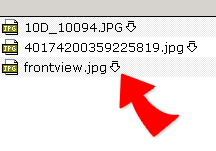
2. Click  --Download on the right of a file. A message window shows up.
3. Then click "Download for update"to download and lock the file to the local computer for further editing. Or click "Download for view only"to download for view only and get no lock on the file.
|