 Verion
reset
Verion
reset1. Click  -- Version tracking, a sharing list window shows up.
2. Click  -- Edit, the page shows the version tracking detail associated with file
you click.
-- Edit, the page shows the version tracking detail associated with file
you click.
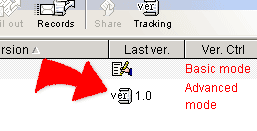
3. All modified versions of the file are listed in the table with version number, modified date, and modifier. The original file is also included with the version number 1.0. The rightmost column is "Reset version control" . The last modified version is the current effective version.
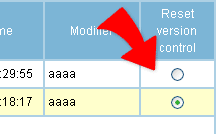
4. If you want to change the effective version to another file, check the version of the file in "Reset version control" field, and then click "OK" to reset.
|