 Temporarily
hide a shared file in version control
Temporarily
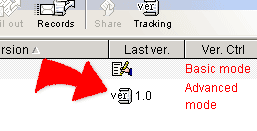
hide a shared file in version control1. Click  -- Version tracking, a sharing list window shows up.
2. Click  -- Edit, the page shows the version tracking detail associated with file
you click.
-- Edit, the page shows the version tracking detail associated with file
you click.
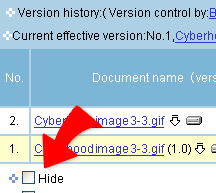
3. If you want to temporarily hide the file, check the [
Hide the file ], and then click "OK" to hide the file.
4. After the setting, the status will show [ Hiding ] in the "Ver. Ctrl." field of the verson tracking list.
5. If you want to stop hiding the file, Click again
-- Edit, and check [ Stop hiding ] in the
bottom of the version tracking list. The click "OK" to show the file and
restart the sharing and version control.
|