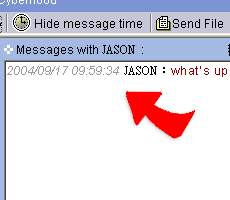
Receive a text message
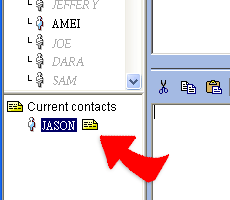
1. When a person sends you a message, the person's name
will show in the "Current contacts" at the lower-left side. Besides, a
blinking yellow icon reminds you until you click it and read the message.
2. Click the contact which has a blinking yellow icon, the new message
will show in the "message window' .