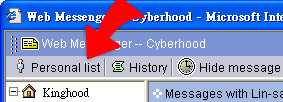
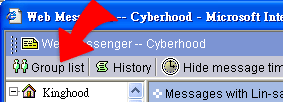
Choose the target contact for message transmission
1. Before sending message, you have to choose the contact you want to talk with.
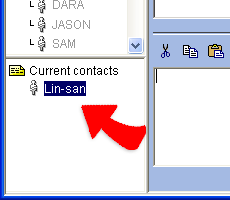
2. Message can be sent to the members in the organization that the
administrator creates. After choosing contacts, they will be
listed in the lower left site of the Web Messenger window. The
highlighted name is the person you are now talking with.
3. The member list can be switched between "Group list" and "Personal
list" by click the same button on the top of the member list.