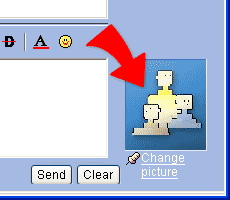
Change picture
1. You can change your picture any time as you need in Web Messenger, And as you change the picture, the contact will see the new picture right away.
2. Click "Change Picture" under your picture and choose the file for
your new picture. Click "OK" to change the picture.