Send files
1. Transferring a file by Web Messenger is convenient and instantly. The contact can get the file you send right away.
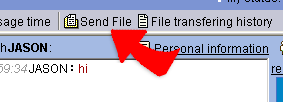
2. Choose a contact and click "Send File", the WebHD window show up for
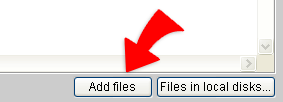
you to choose files for sending. Add all files you have chosen
and click "submit" to send the chosen files to the contact.
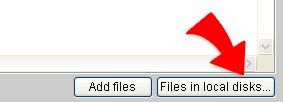
3. If the file you want to send out is in your local disk, please
choose "files in local disk...". Following the procedure to
choose the files you want to send to the contact and Click "submit" to
start sending.