Inquire the message history records
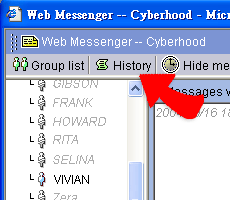
1. Choose a contact and click the "History
records", all of the messages between the contact and you are listed.
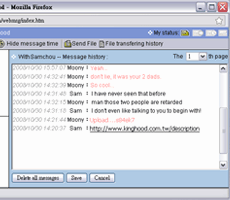
2. System will display the message history records by pages.
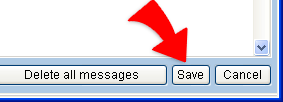
3. Click "Save" on the right-lower site. Choose the
directory and click "OK" to save the history to an .htm file.
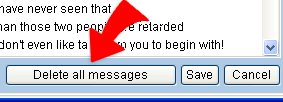
4. You can remove all messages from server by clicking "Delete all
messages".